For a project I had to create a CSV file with all Mailboxes, their UPN and their Email addresses. Not a big deal since you can use the following command:
Get-Mailbox | Select UserPrincipalName,EmailAddresses
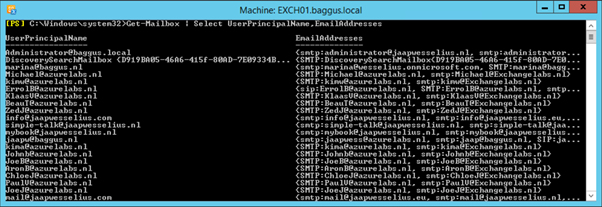
Exporting to a CSV is a default feature in PowerShell using the Export-Csv command, like this:
Get-Mailbox | Select UserPrincipalName,EmailAddresses | Export-Csv C:\Temp\Addresses.csv
 Jaap Wesselius